

Try the PRO version here
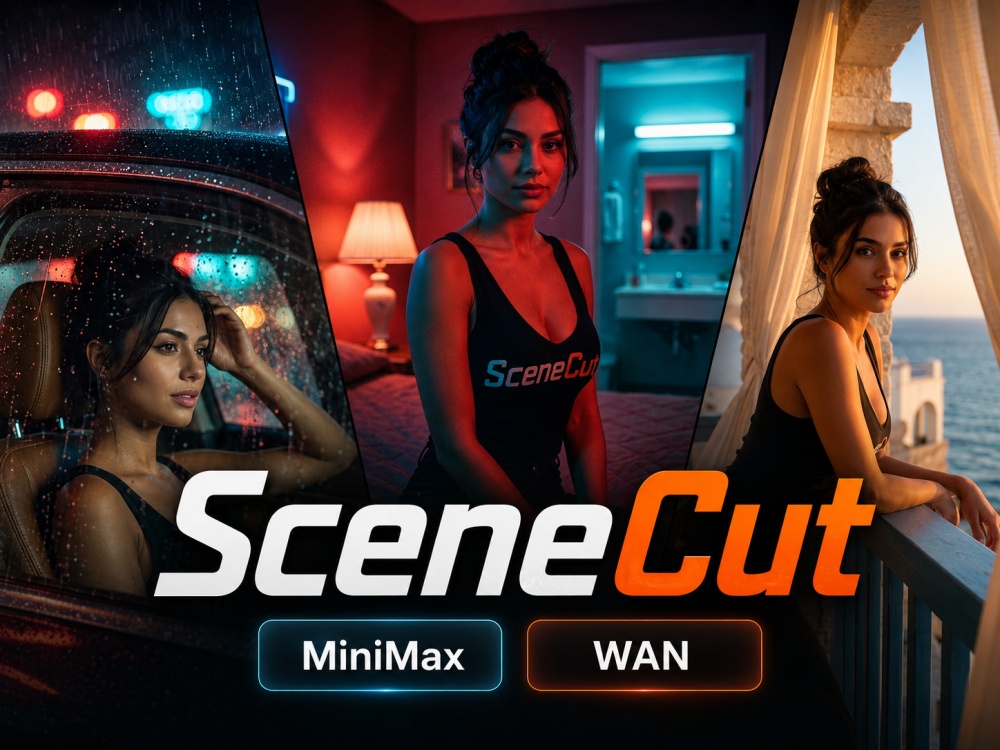
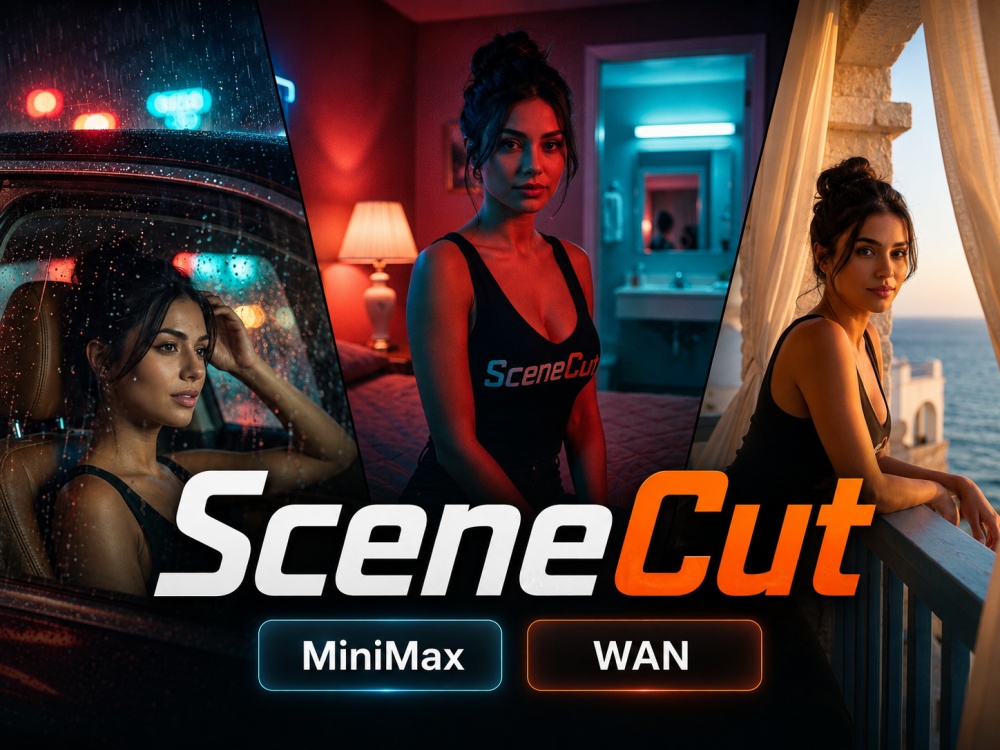
Transform a single image into dynamic multi-scene AI video using specialized scene, pose, and action LoRAs. Choose a matching High Noise + Low Noise LoRA pair, select a preset prompt, and generate a short sequence while maintaining the subject and overall visual identity of the source image.
For best results, start with a close-up portrait or square image with the subject clearly visible and centered. Simpler compositions generally give the model more room to create convincing scene changes and motion.
Recommended Settings
Duration: 3–5 seconds
Resolution: 480p
Steps: 4–8
Universal LoRA: Enabled
Input: Close-up portrait or square image
Preset prompts are designed specifically for their corresponding LoRAs and are recommended as the starting point. Advanced users can enable Custom Prompt to replace the preset prompt with their own instructions.
Higher resolutions, longer durations, additional steps, different strengths, and custom prompts can produce different results, but may reduce consistency depending on the selected LoRA and source image.
USE AT YOUR OWN RISK
By using these AI Tools, you agree they are provided "as is" without warranty and assume full liability for all inputs and outputs. ObscuraLabs disclaim all responsibility for any claims, damages, or legal disputes arising from your use, including intellectual property, privacy, or defamation matters. Tools are restricted to fictional characters ONLY—any use involving real persons is prohibited and voids all creator liability. Any sample videos were made using fictional AI generated characters.