



How to use:
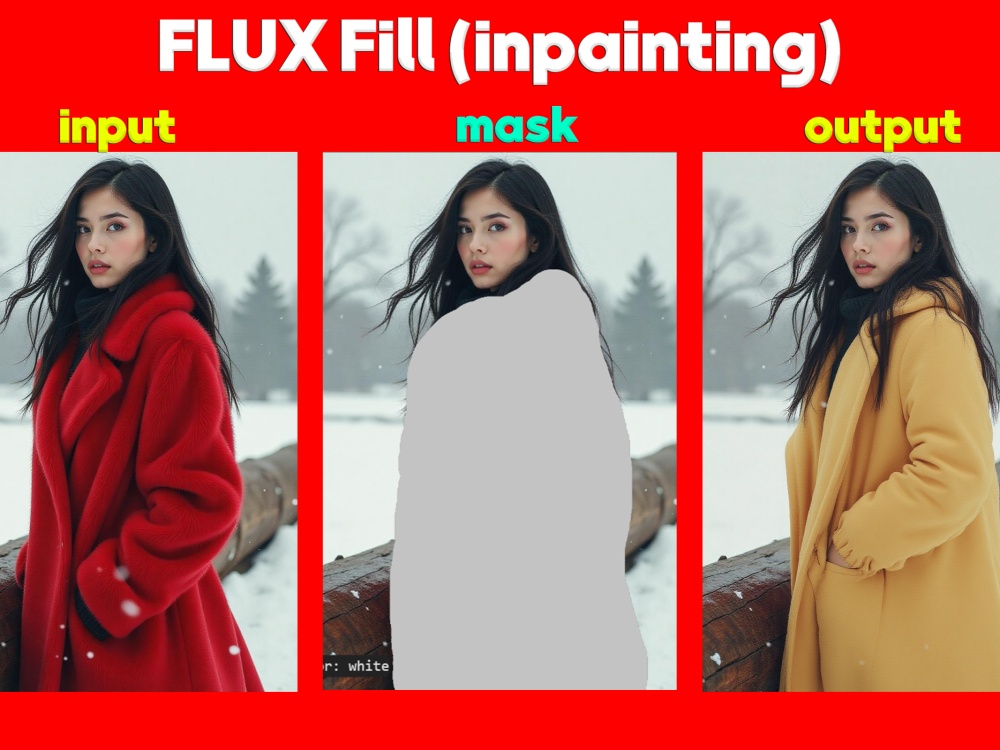
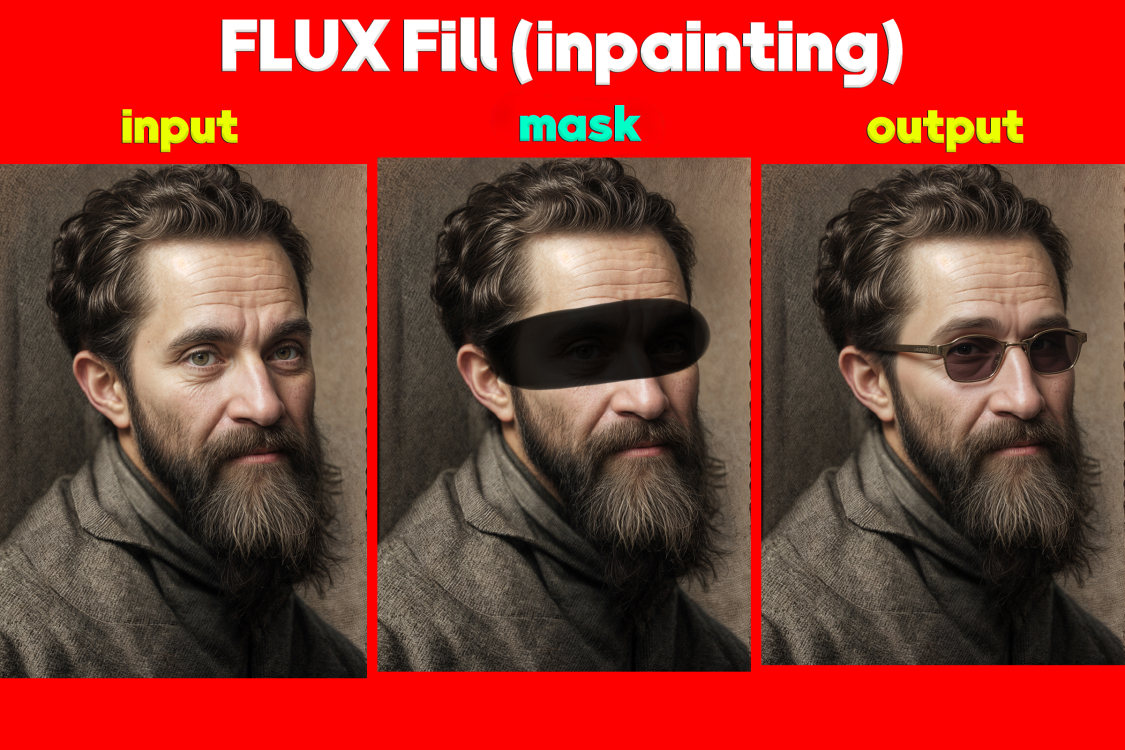
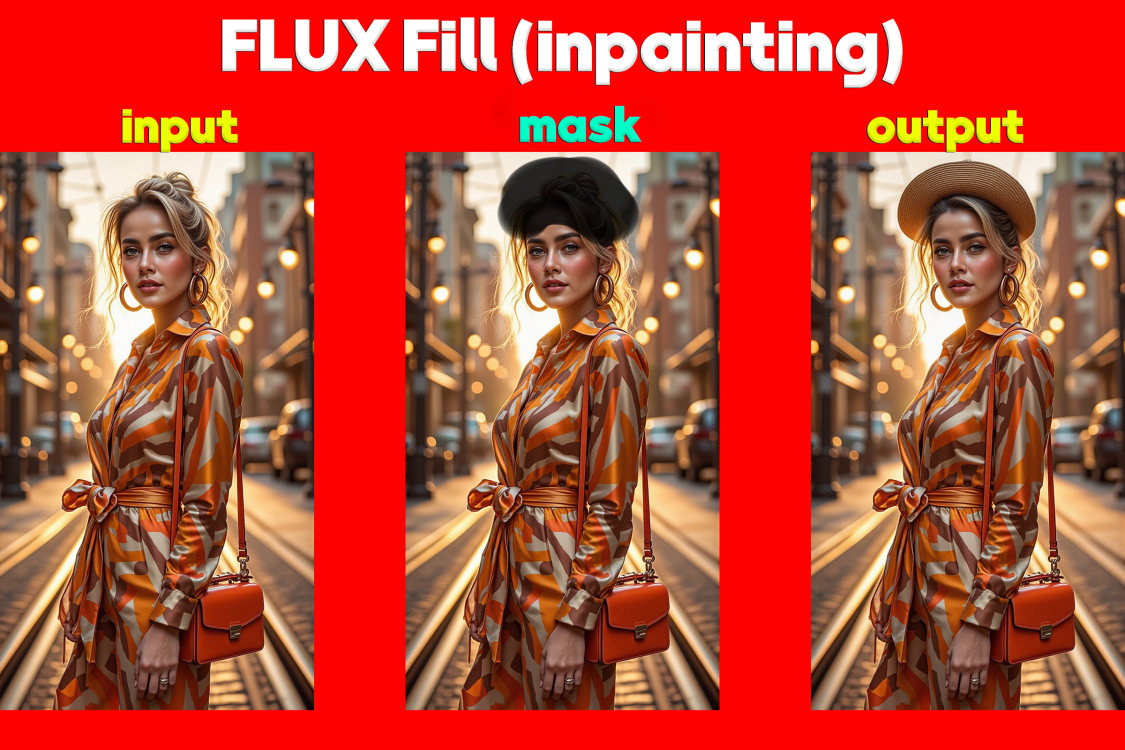
Upload an image, click the "Inpaint" brush icon in the top left corner and mask the area you want to change.
Then type the appropriate prompt in the box provided.
Click "Generate" to continue.
If you are not satisfied with the result, you can generate multiple times and choose the best one.